
What are lead-to-client systems?
A practical explanation of how enquiry capture, CRM, follow-up, quoting, reporting and handover connect.
Read article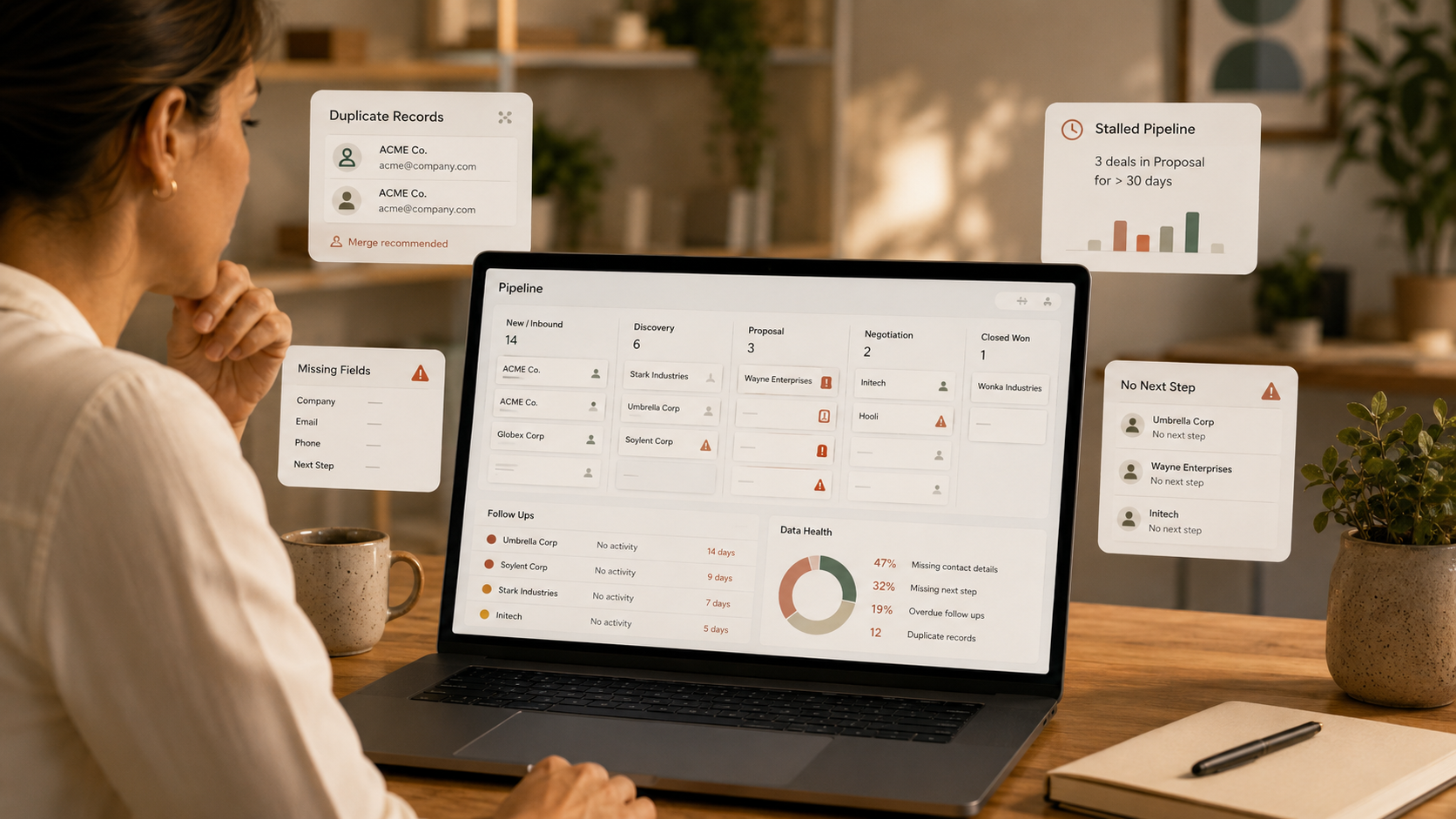
A CRM should make your lead-to-client journey easier to see, manage and improve. When it starts creating confusion instead of clarity, it is usually a sign that the setup needs attention.
For growing service businesses, the issue is rarely that the team is careless. More often, the CRM no longer reflects the way enquiries, sales conversations, quotes and handovers actually happen. The business has evolved, but the system has not kept up.
The clearest sign is behavioural: people avoid using the CRM because it feels slow, incomplete or unreliable. They keep their own spreadsheet, rely on email folders, use notes outside the system, or ask the same person for updates because “they know what is going on”.
This usually means the CRM is not helping people do their work. It may have too many fields, not enough relevant fields, unclear stages, missing automations or records that do not show the current situation.
Duplicate contacts, company records and inconsistent naming conventions make it harder to trust the CRM. They also affect segmentation, reporting and follow-up.
HubSpot provides tools for reviewing duplicate records and data quality issues, including duplicate management for contacts and companies. Its documentation on data quality tools and record deduplication is useful if you are using HubSpot and want to understand what is available inside the platform.
Technology can help, but it will not fix the underlying process if different people still enter data in different ways. You also need clear field definitions, required information at key stages and a shared understanding of what “good CRM data” looks like.
A pipeline should reflect how leads actually move from enquiry to client. If stages are too vague, too detailed or disconnected from the real sales process, your pipeline becomes a storage board rather than a decision tool.
For example, “In progress” may feel easy to use, but it does not tell the team whether the next step is qualification, a proposal, client approval, payment, contract review or handover. Better stages help the business see where work is stuck and what action is needed next.
HubSpot's pipeline guidance notes that separate pipelines are most useful where processes genuinely have different stages. That principle is helpful for small teams: avoid complexity unless the process truly requires it.
If you look at reports and immediately say “that is not right”, the CRM needs attention. Reporting problems are often data problems in disguise. The report may be technically correct, but the underlying records are incomplete, inconsistent or not updated at the right time.
Common examples include:
When reporting is not trusted, business decisions often shift back to gut feel. A useful CRM should support judgement, not replace it, but it should give you enough reliable information to see patterns.
If someone has to remember to follow up next Tuesday, send a quote, check a form submission or update another team, the system is too dependent on individual memory.
This becomes risky when enquiry volume increases, people take leave, roles change or multiple team members touch the same lead. A CRM should make active opportunities visible and prompt the right next action at the right time.
Many CRMs become messy through good intentions. A new field is added for a campaign. A new pipeline stage is created for an exception. A workflow is built quickly to solve one issue. Over time, the setup becomes harder to explain.
Questions that suggest the structure needs review include:
A CRM is not only for sales. It should also help the business transition smoothly from won work to delivery. If the delivery team receives incomplete context, repeats questions the client already answered or starts without clear scope, the handover process needs attention.
Before adding new tools, review the basics:
The Lead-to-Client Systems Audit reviews how your CRM supports the full enquiry-to-client journey. If the Audit shows that setup changes are needed, the Lead-to-Client System Build can help refine fields, pipeline stages, workflows, reporting and handover steps.
If you are unsure whether the CRM is the real issue, complete the Clarity Check and start with the path that matches your current friction.